
FileZilla Breadcrumb
FileZilla is a common target for attackers because it is a widely used administration tool that stores IP addresses, usernames, and passwords for FTP connections. FTP is often used to transfer files between local machines and remote servers, which may contain valuable or sensitive data.
By placing a breadcrumb in FileZilla, attackers are directed to connect to your Trapster honeypot, where they waste time interacting with fake data instead of your real infrastructure.
Installation
To install the FileZilla breadcrumb:
- Double‑click the generated breadcrumb file.
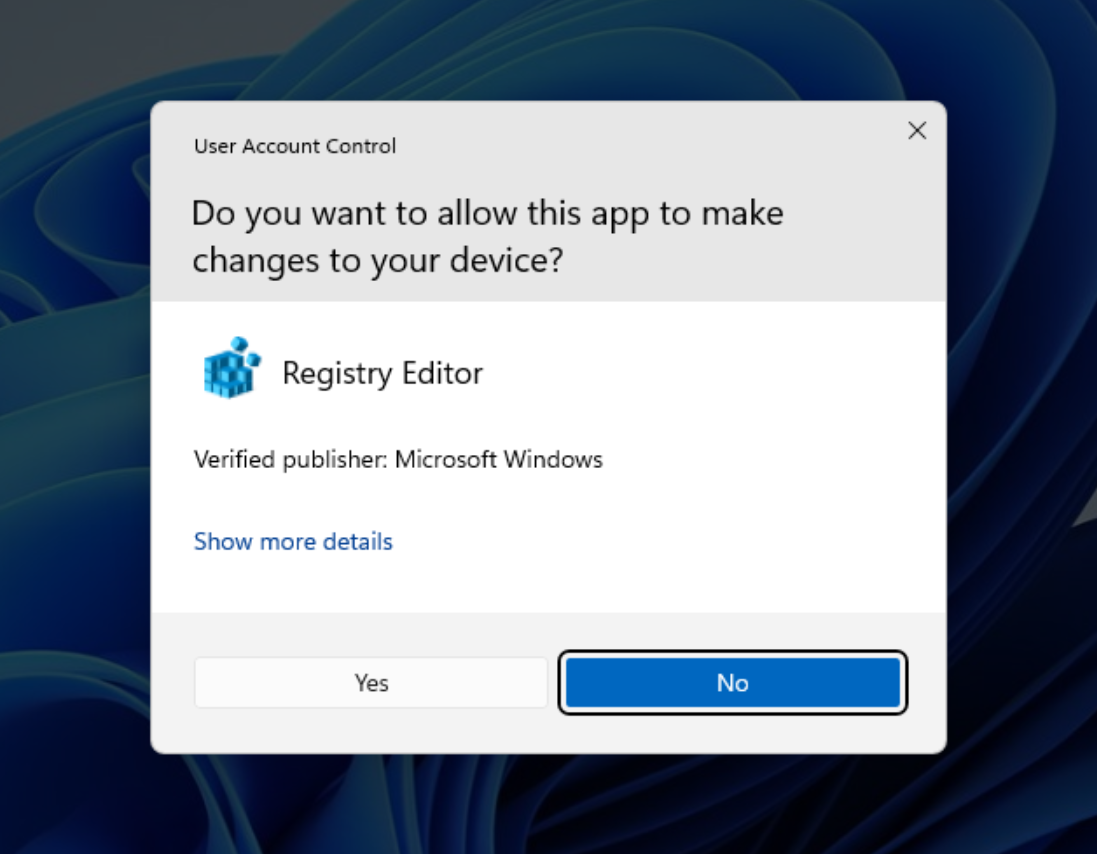
- When prompted, allow changes to the Registry Editor.
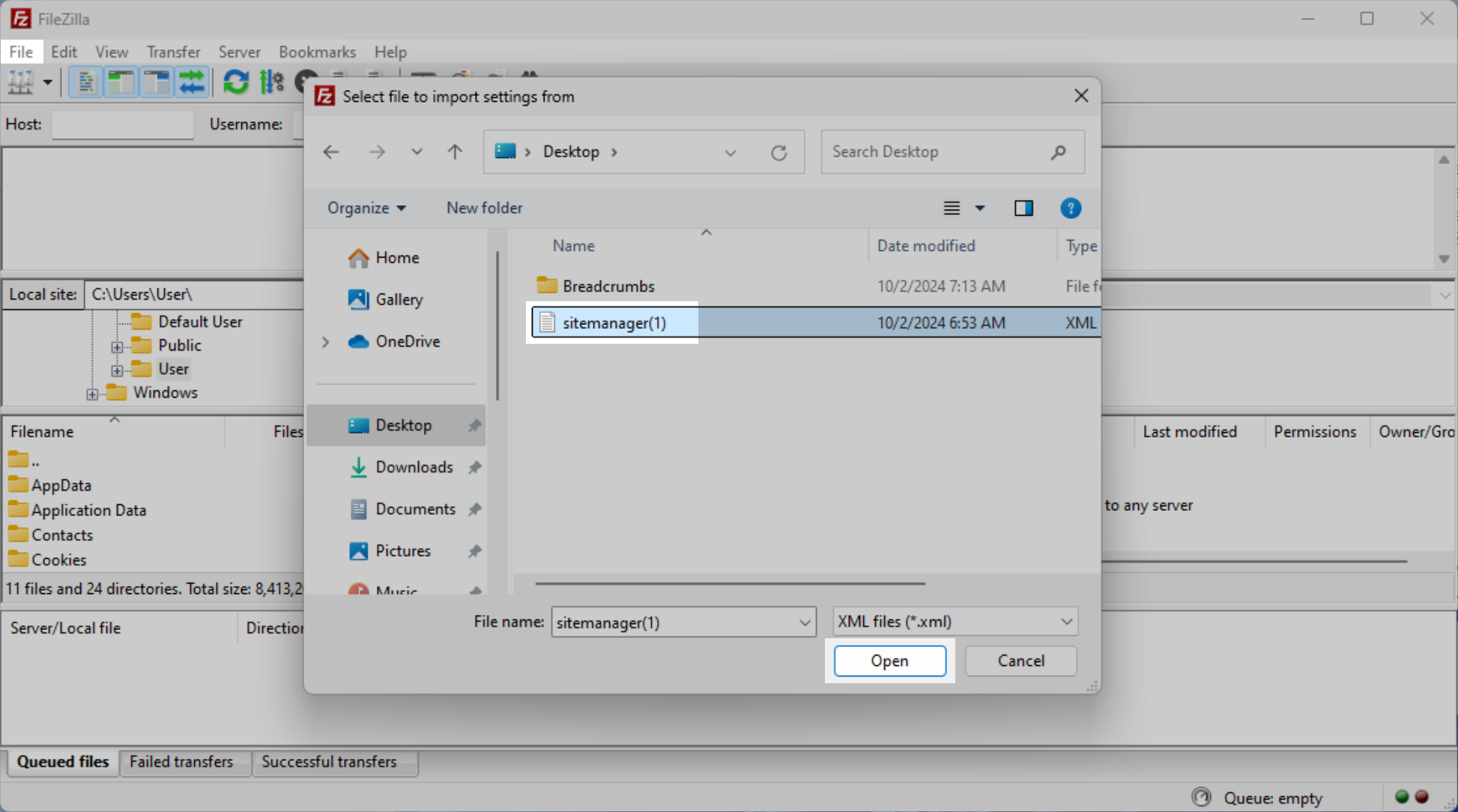
- Select the downloaded breadcrumb file (for example,
sitemanager.xml).
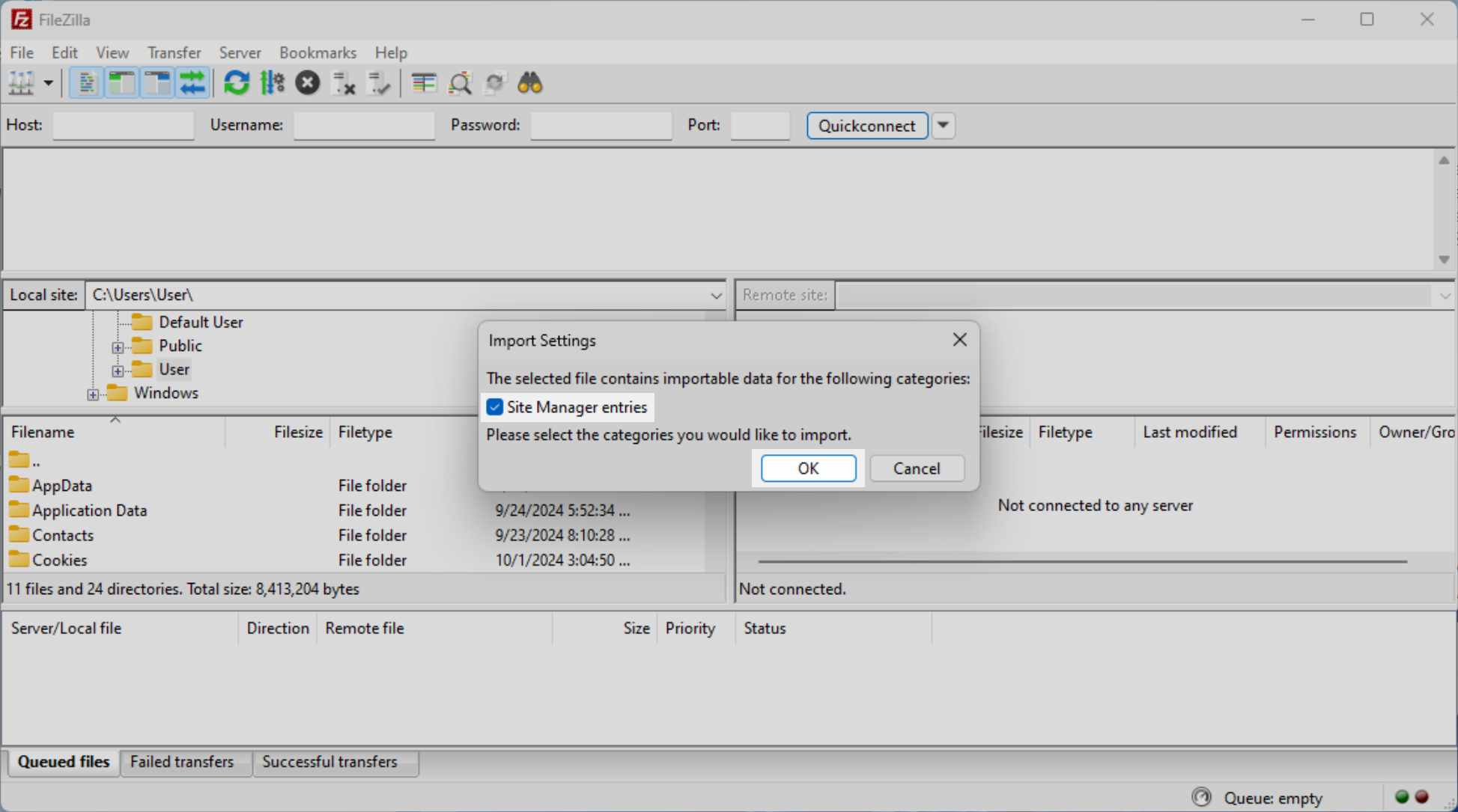
- Click OK to import the Site Manager entries.
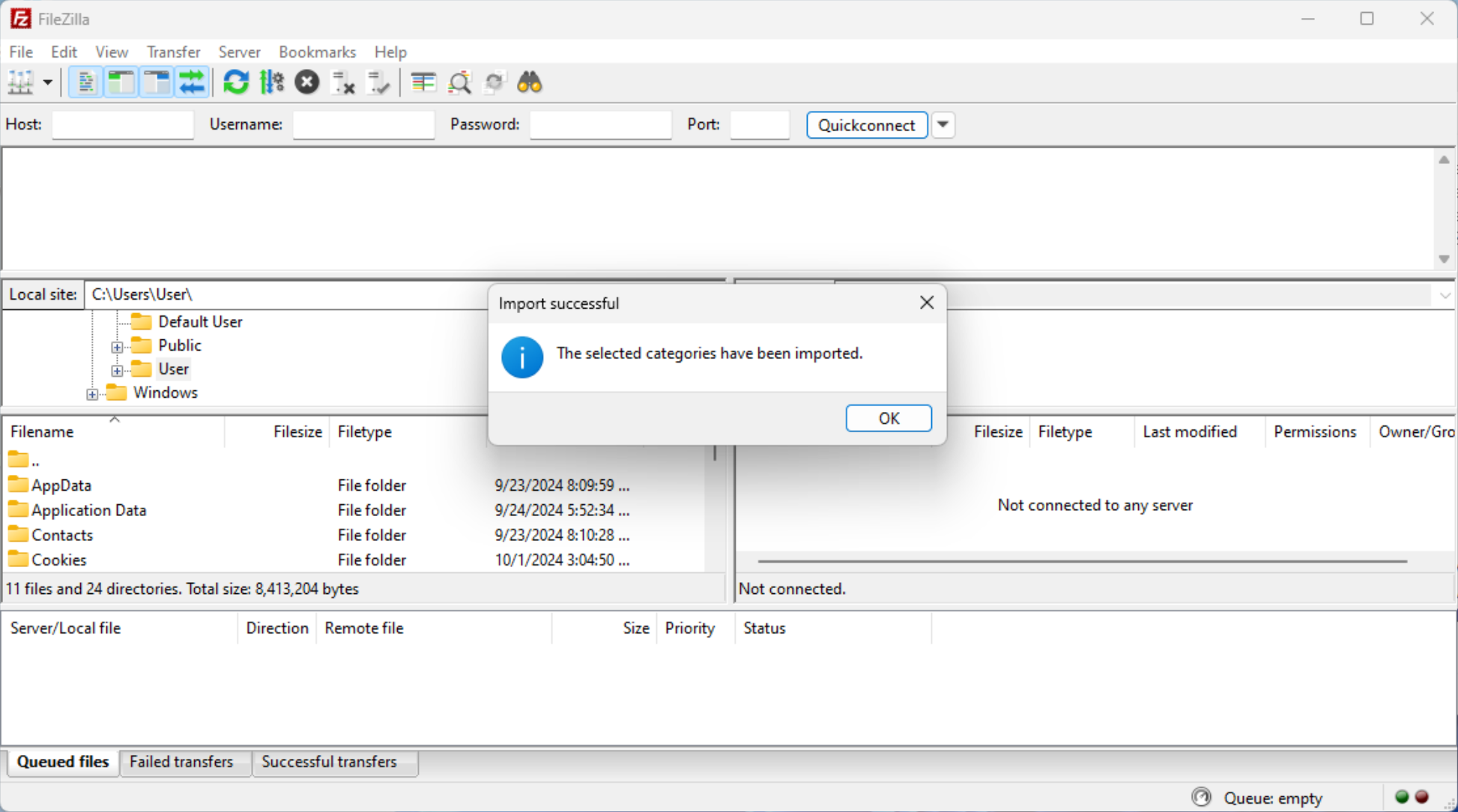
- You should see a confirmation indicating the import was successful.
Verification (Optional)
Although installation is complete at this point, you can verify the breadcrumb was added correctly:
- Open FileZilla
- Navigate to Site Manager → My Sites
You will see a new entry containing:
- The IP address of your Trapster honeypot
- A generated username and password pair
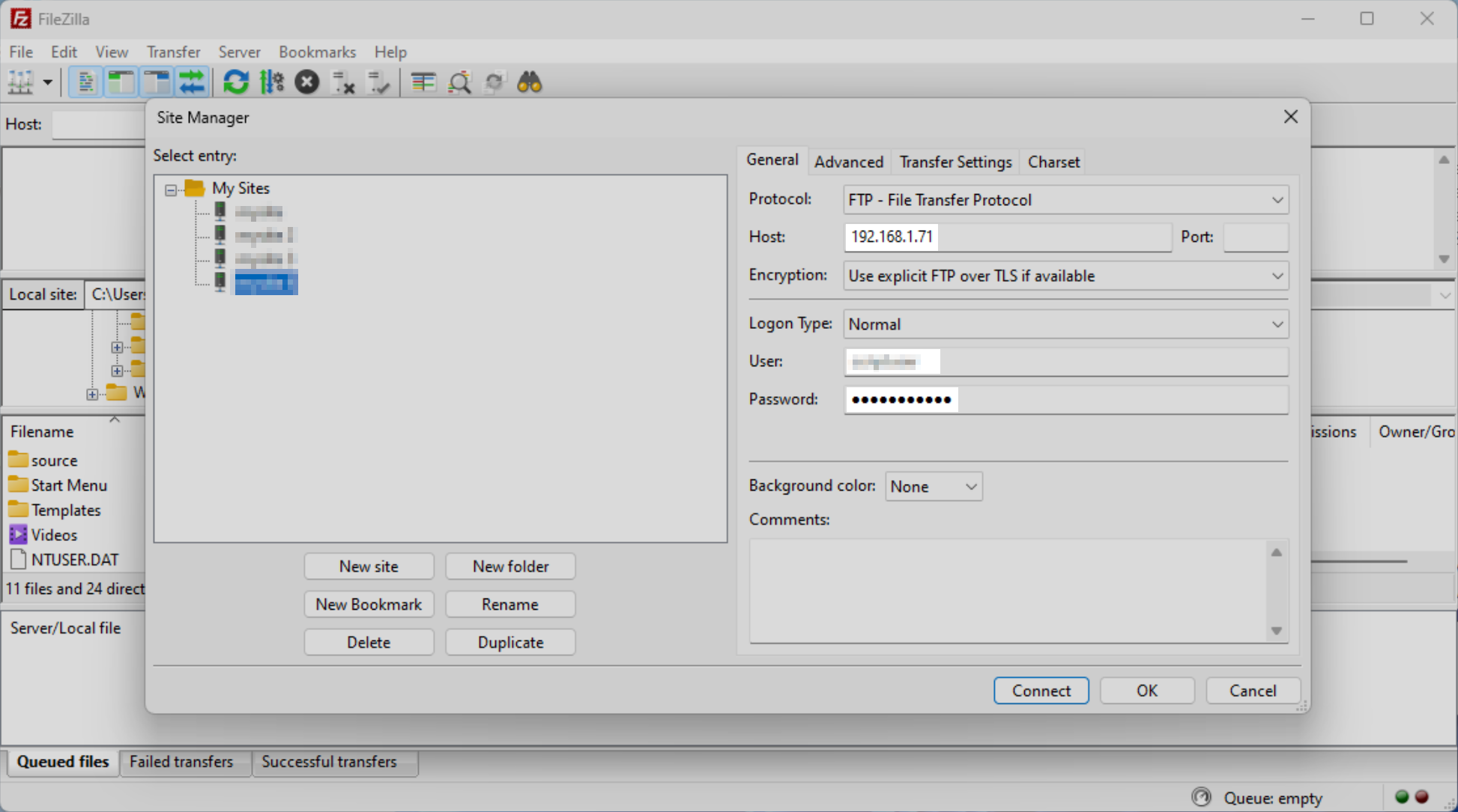
Any attempt to use these credentials will immediately trigger a breadcrumb alert in Trapster.