
Global Emails
Global Emails allow you to add email addresses that will receive Trapster alerts across selected groups without having to create additional user accounts.
Add a Global Email
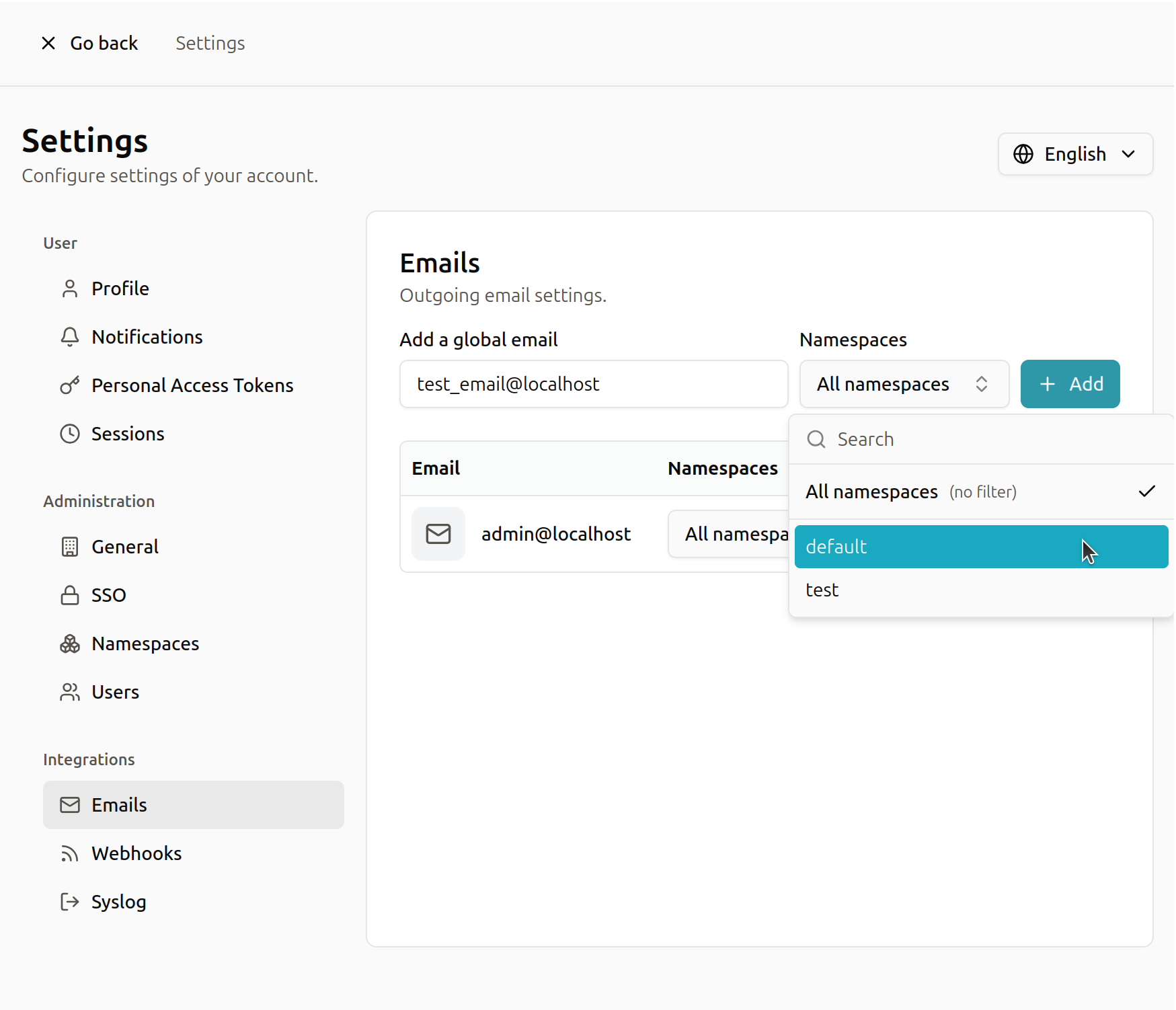
Adding a global email is simple. Enter the email address and select the groups you want it to receive alerts from.
Modify a Global Email
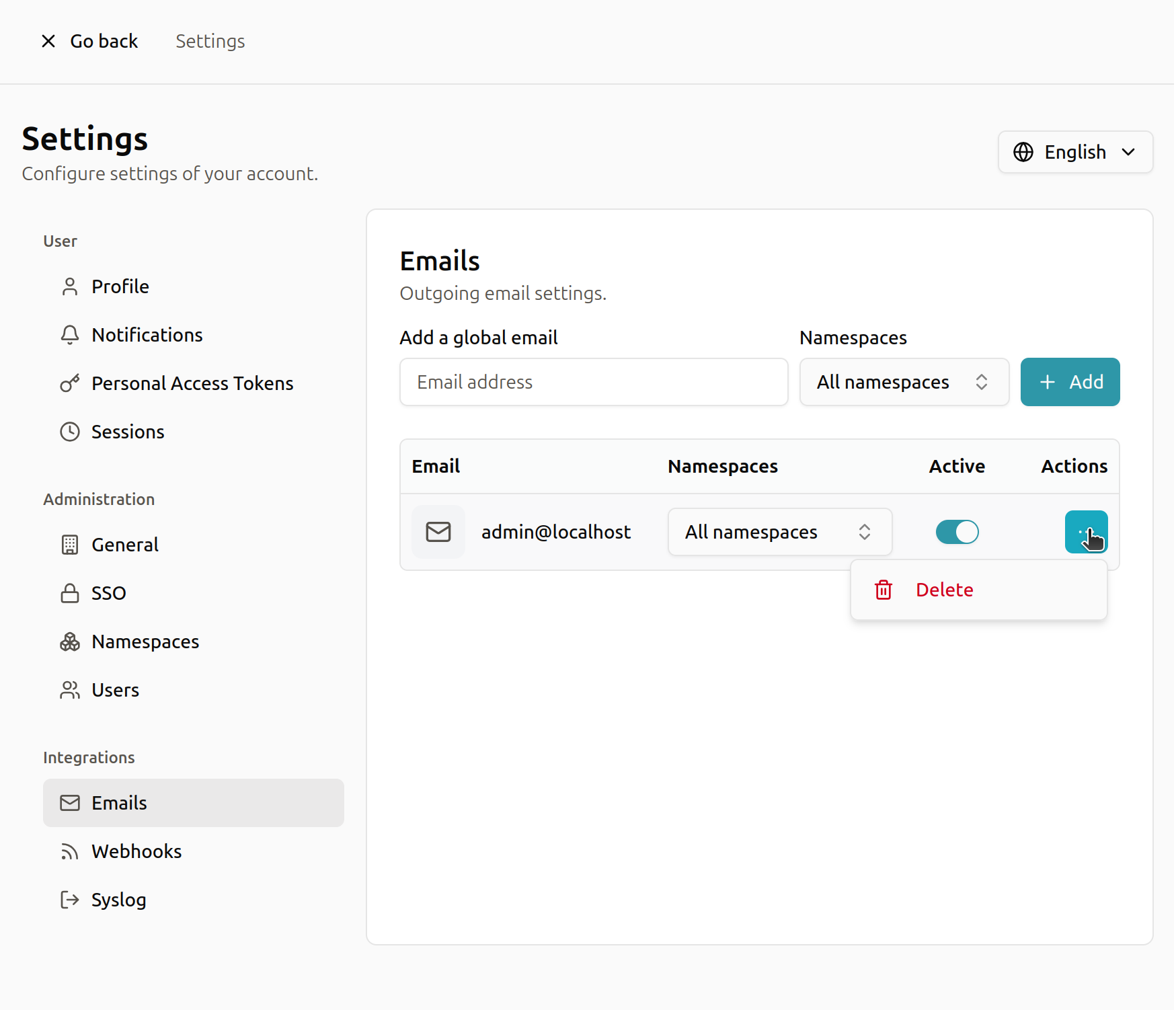
Modifying a global email lets you change which groups it receives alerts from.
You may select All to receive alerts from every group (no filtering).
If you don’t want to delete an email but need to temporarily stop alerts, you can deactivate the email.
A deactivated email can be reactivated at any time.