
WinSCP Breadcrumb
WinSCP is included as a breadcrumb target because it can store session details, including usernames, passwords, and server addresses. If an attacker gains access to a user’s system, these saved sessions are a common source of harvested credentials that can be used to access remote servers.
By placing a breadcrumb in WinSCP, any attacker attempting to reuse these credentials is instead redirected to your Trapster honeypot, where their activity is detected and logged.
Installation
To install the WinSCP breadcrumb:
- Double‑click the downloaded breadcrumb file.
- When prompted, allow changes to be made to your system to import the breadcrumb.
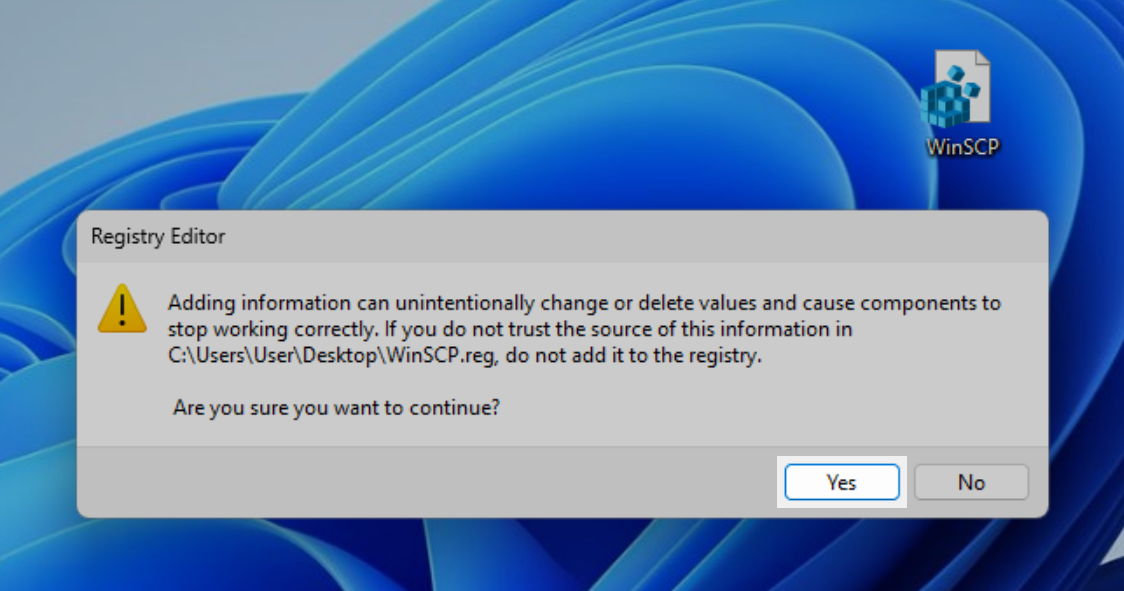
- Confirm the import.
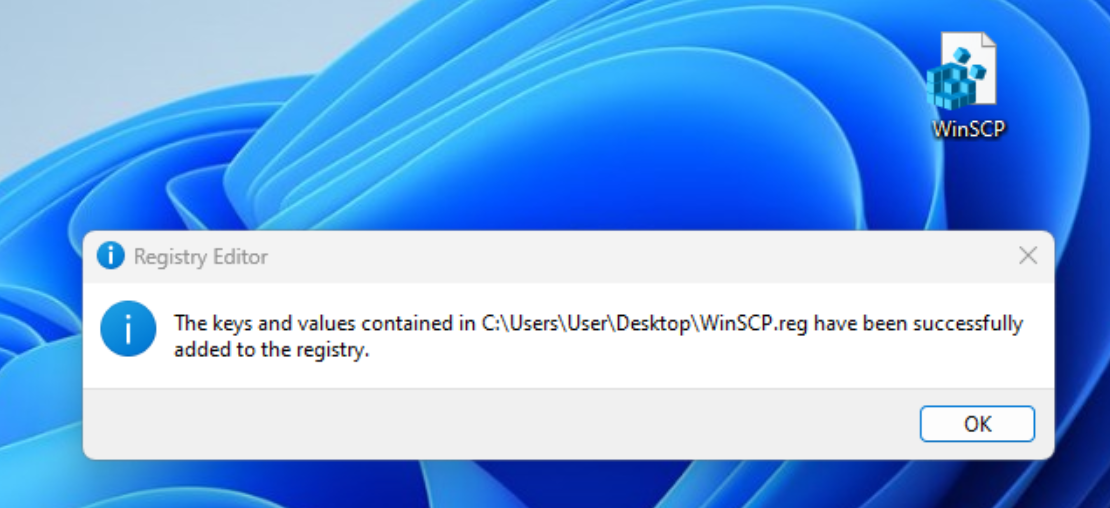
Verification (Optional)
You can verify that the breadcrumb was installed successfully in either of the following ways:
- Open WinSCP and view the saved session entries
- Open the Registry Editor and locate the imported WinSCP session data
The screenshots below demonstrate both methods.
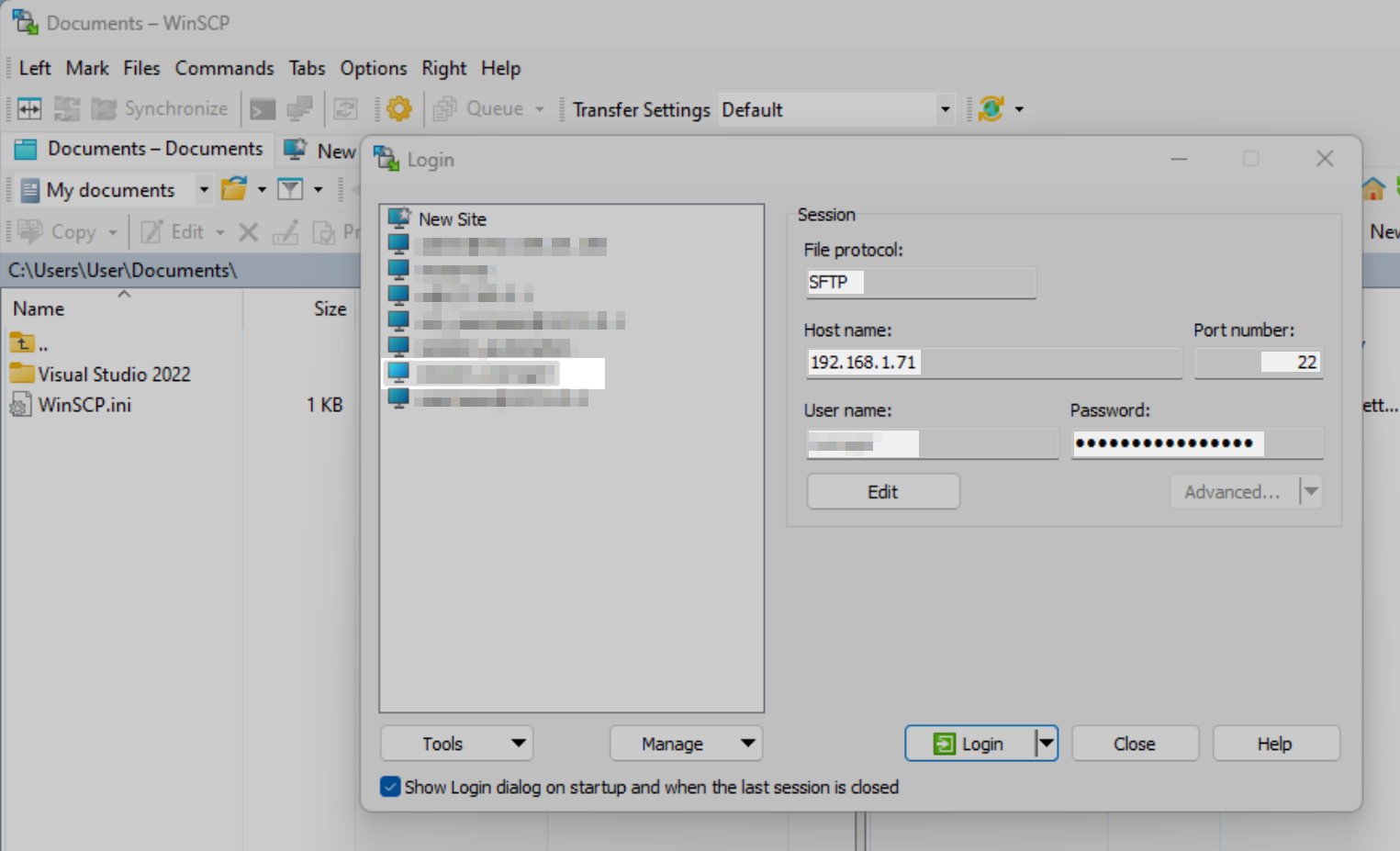
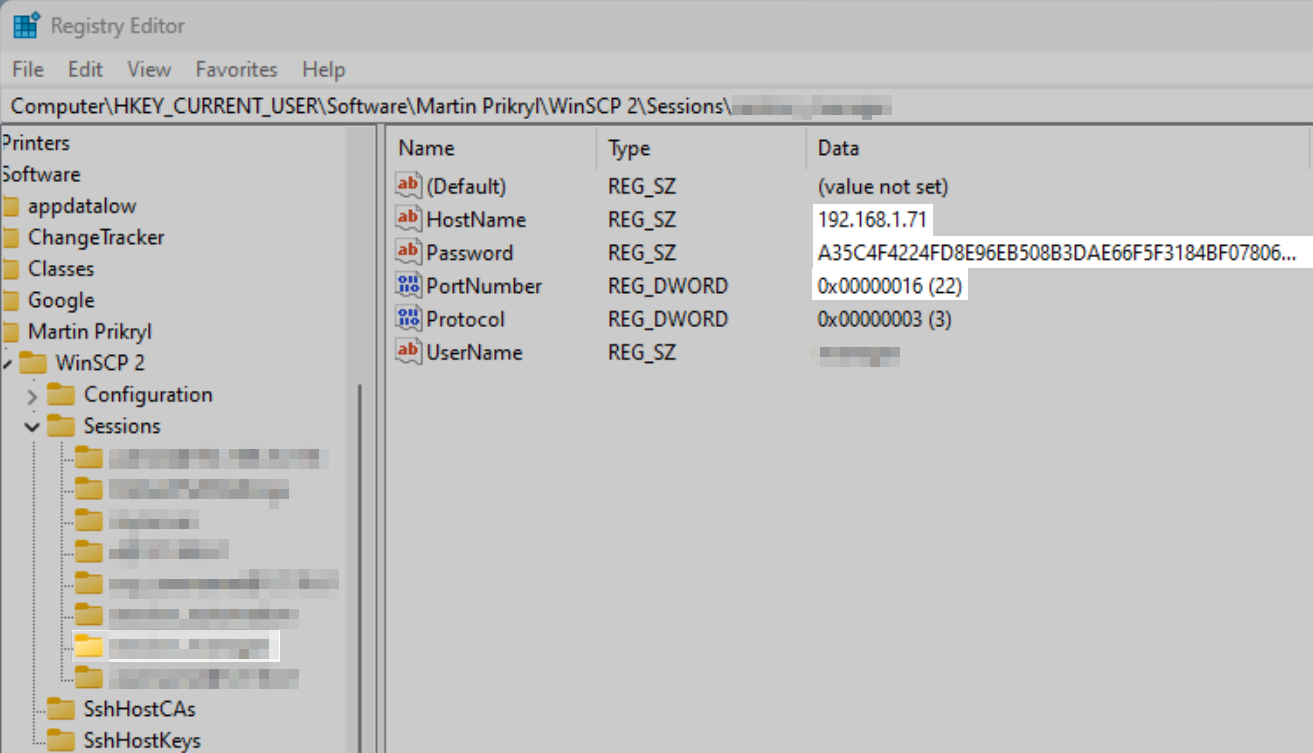
Although WinSCP stores passwords in an encrypted format within the registry, this format is well known and easily decrypted by attackers. This makes WinSCP session data a realistic and effective breadcrumb for detecting unauthorized access.
Any attempt to use these credentials will immediately trigger a breadcrumb alert in Trapster.