
Using Plugins
Plugins in Trapster provide powerful, automated monitoring for your honeypot environment. They run in the background, detect suspicious activity, and can be activated with just one click, allowing you to extend the functionality of your Trapster deployment.
1. Access the Plugin Options
To begin managing plugins, navigate to your device settings:
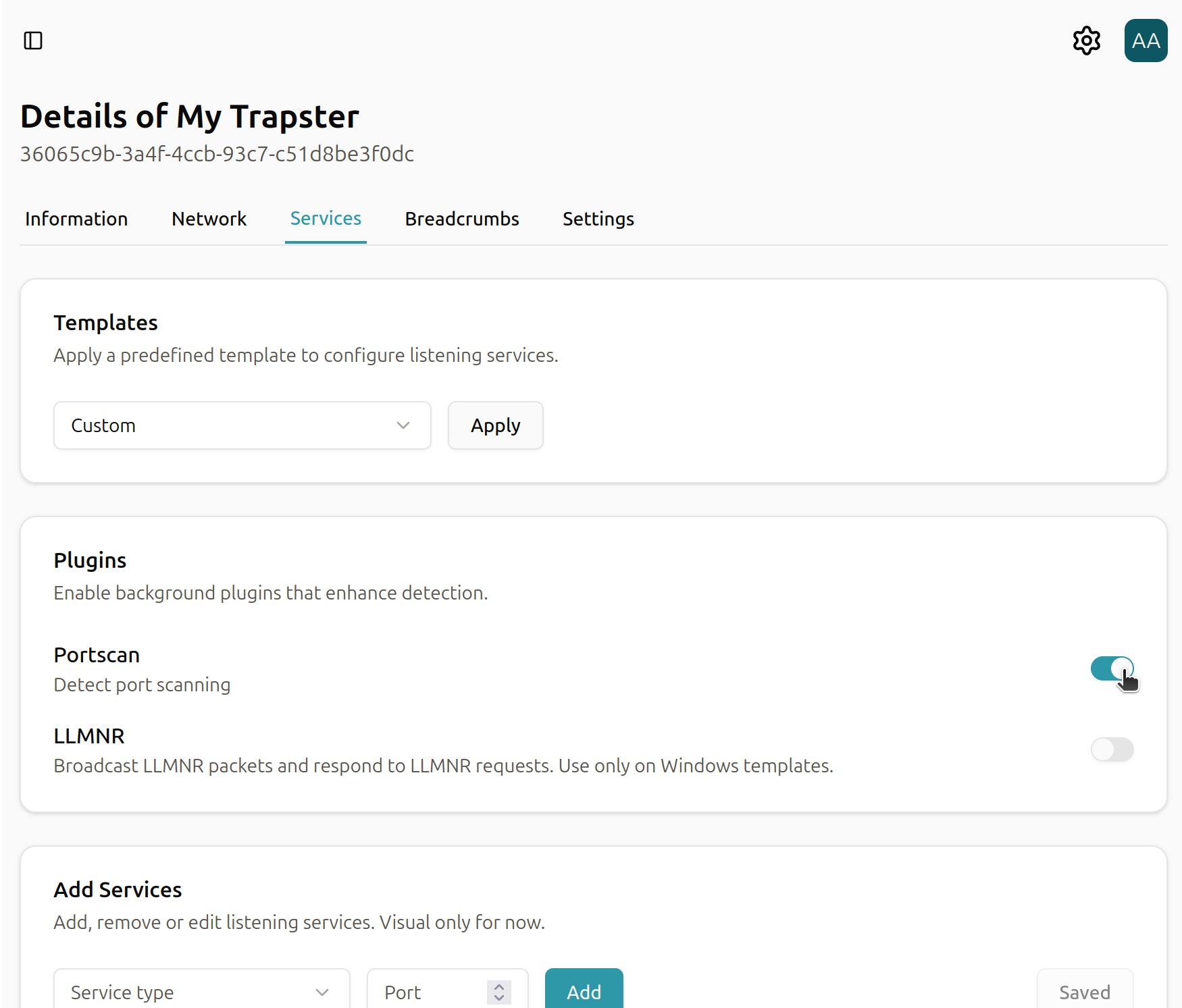
Devices → Select your desired honeypot → Services
Here, you’ll see a list of all available plugins that can be activated or configured.
2. Activate a Plugin
Once you’ve located the plugin you want to use:
- Click the Activate button next to the plugin.
- The plugin will start running in the background immediately.
3. Explore Supported Plugins
Trapster supports a growing library of plugins, each designed for a specific type of monitoring or data collection. Some of the currently supported plugins include: