
VMWare
How to deploy your Trapster on VMWare:
Configuration
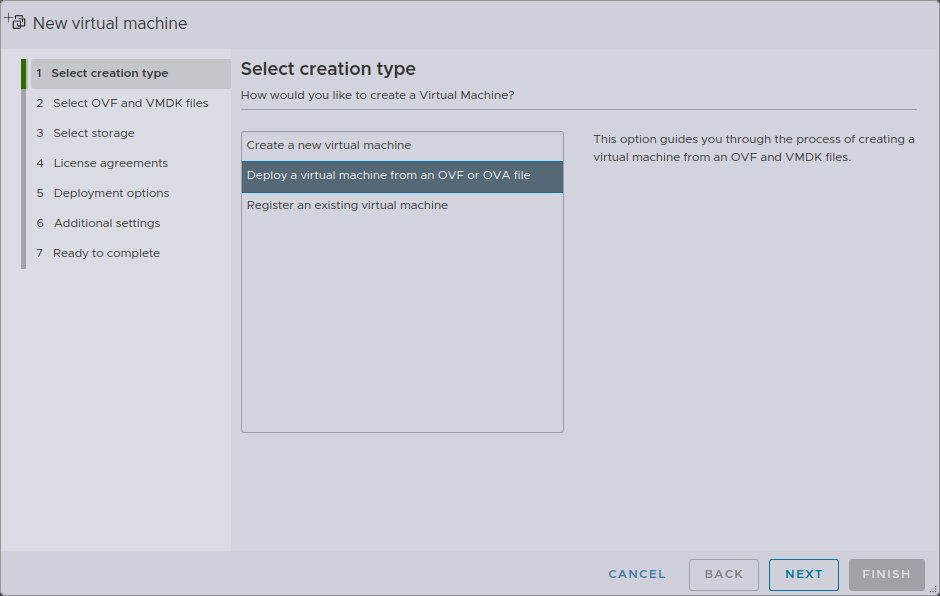
1. Create a new VM
Create a new VM and choose Deploy a virtual machine from an OVF or OVA file.
You can give your VM whatever name you want, this will have no impact on its operation or its identity on the network, for example: trapster-1.
2. Additional settings
Select your OVA and upload it. Then you can select your storage destination.
Click on next for all other step
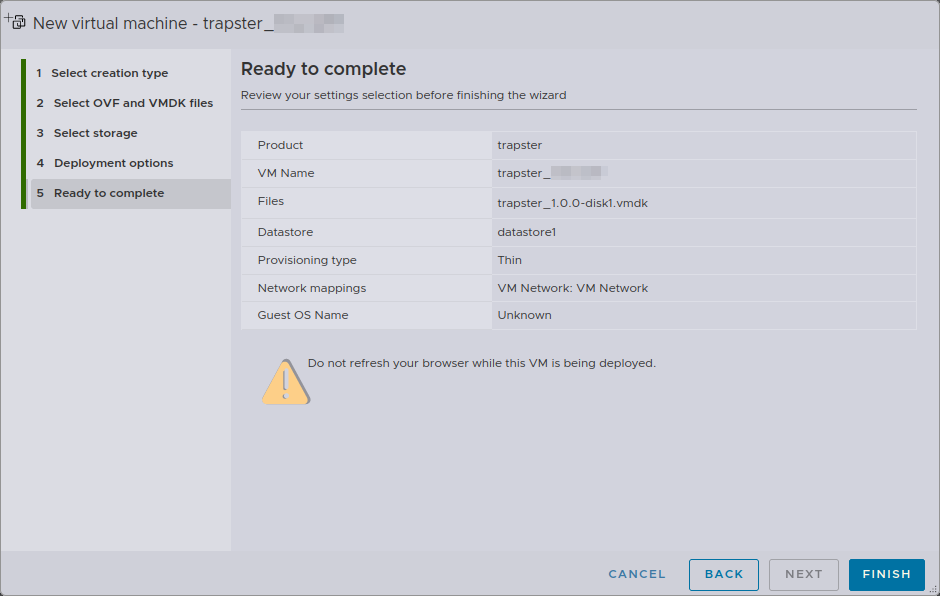
You can now start the VM.