
Windows HTTP Shortcut Enterprise
Creates a desktop or folder shortcut that opens a browser connection to your Trapster HTTP service. Any click triggers a breadcrumb alert.
Generate from the HTTP service row: Trapsters → device → Services → Generate breadcrumb → Windows HTTP shortcut.
Installation
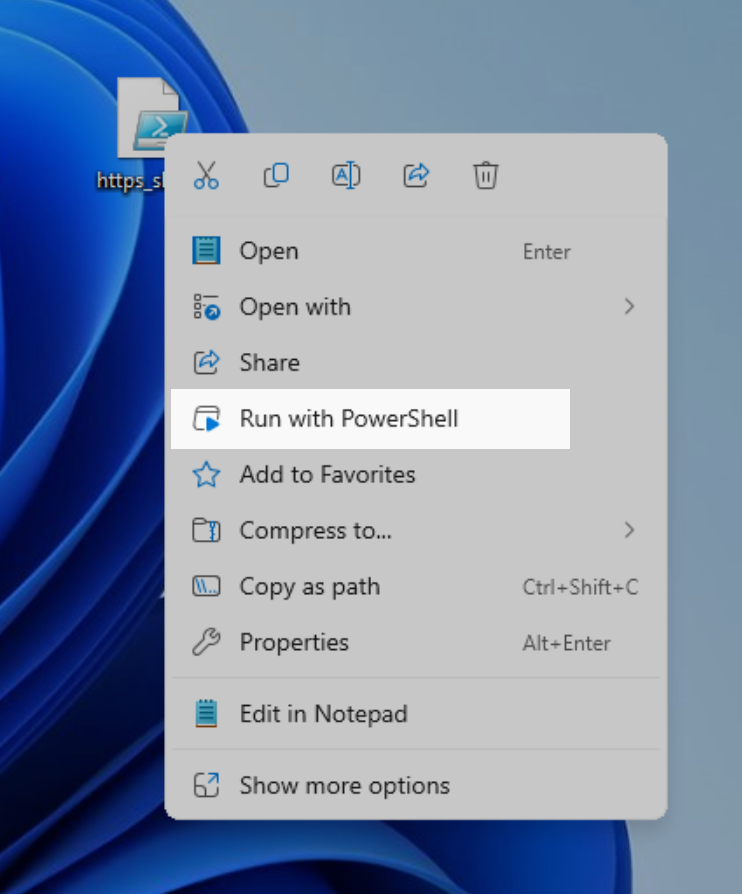
Right-click the generated .ps1 file and select Run with PowerShell. The shortcut is created automatically.
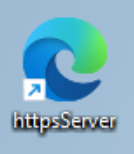
Place the shortcut somewhere an attacker will find it: the desktop, Documents, or a shared folder.