
Deployment Overview Enterprise
This section covers Enterprise deployment. For Community Edition (Docker, Python, systemd), see Quick Start.
Deployment options
Hypervisors
| Platform | Image format | Guide |
|---|---|---|
| Proxmox | qcow2 | Deploy on Proxmox |
| VMware ESXi / vSphere | OVA | Deploy on VMware |
| Hyper-V | VHDX | Deploy on Hyper-V |
| KVM / libvirt | qcow2 | Deploy on KVM |
| Xen | qcow2 | Deploy on KVM - same process, qcow2 is compatible |
Containers and orchestration
| Platform | Guide |
|---|---|
| Docker | Deploy with Docker |
| Kubernetes (Helm) | Deploy on Kubernetes |
Cloud
| Platform | Guide |
|---|---|
| Microsoft Azure | Deploy on Azure |
| AWS | Deploy on AWS - coming soon |
| Google Cloud | Deploy on GCP - coming soon |
Physical appliance
For environments without a hypervisor - OT networks, isolated segments, air-gapped sites. See Physical Appliance.
Download from the dashboard
All Enterprise deployment images and configuration packages are obtained from the Trapster dashboard:
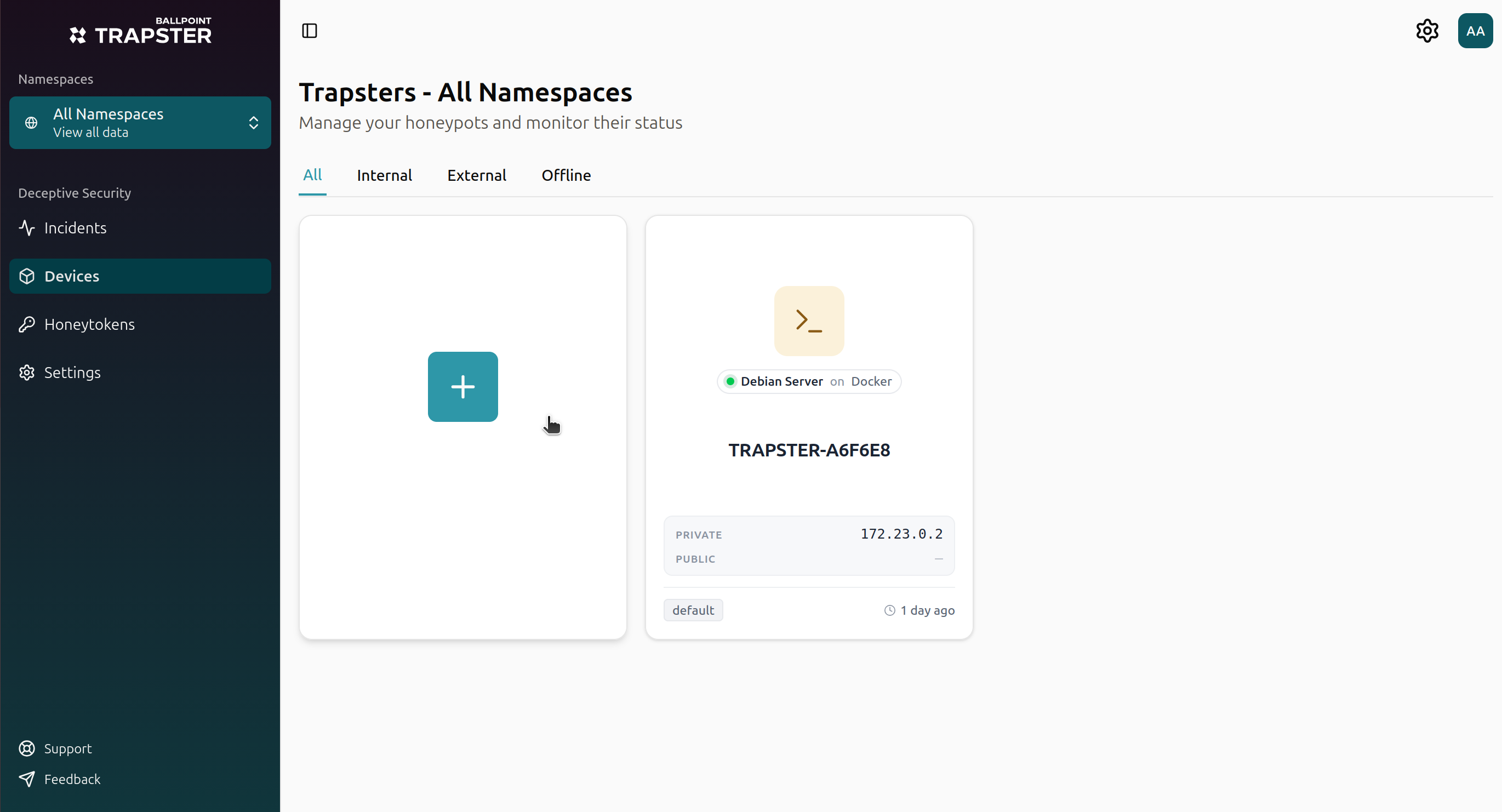
Open Trapsters in the sidebar
Click the + card to open Deploy a new Trapster
Choose your platform
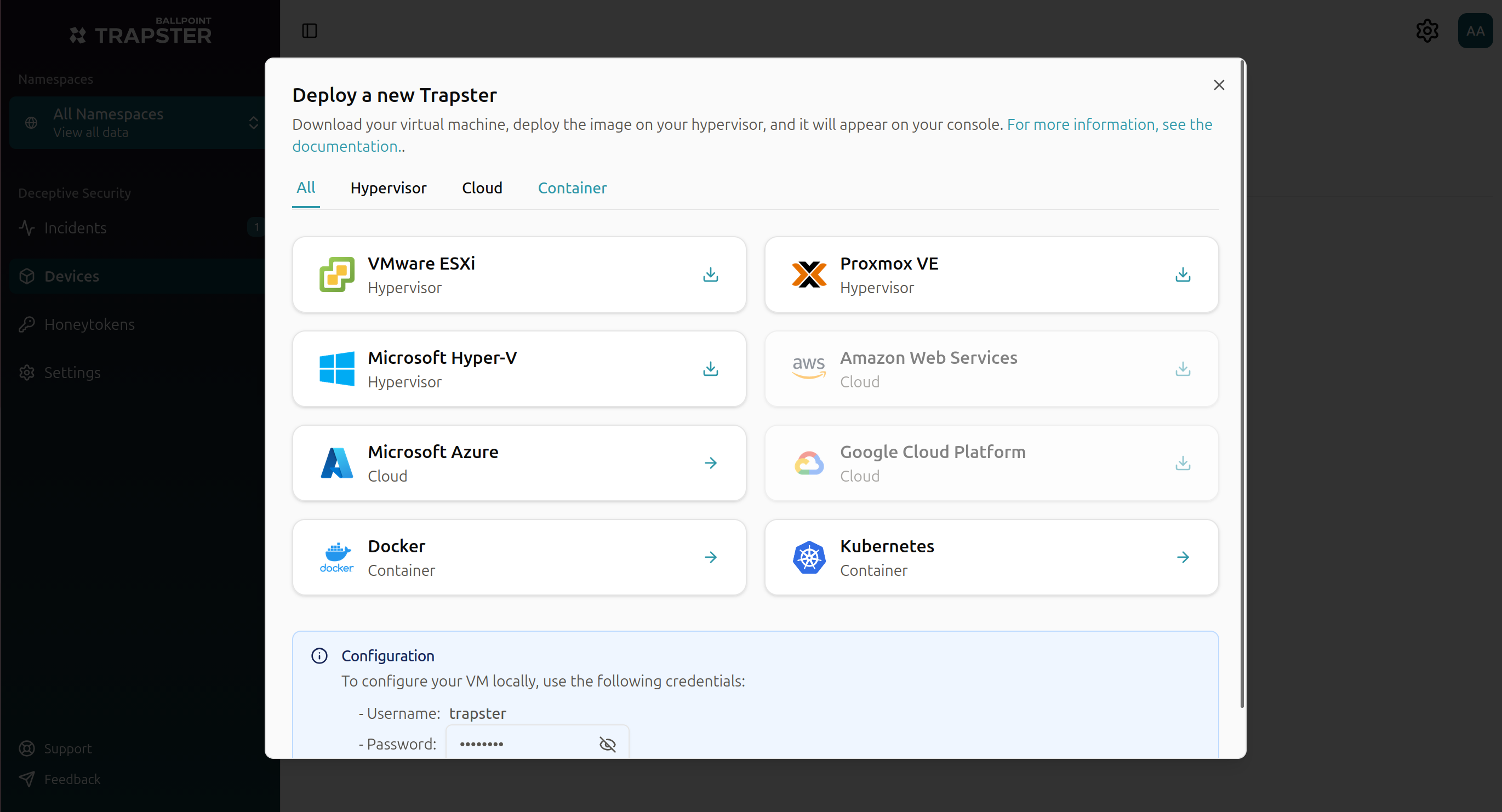
| Platform | What you get from the wizard |
|---|---|
| VMware ESXi | OVA file |
| Proxmox VE | qcow2 disk image |
| Microsoft Hyper-V | VHDX image |
| Microsoft Azure | Azure deployment details |
| Docker | Example docker-compose.yml with your organization code and domain |
| Kubernetes | Example manifest with your organization code and domain |
The dialog also shows the local trapster username and password for console access when you need to configure networking on the VM (Network Configuration).
Requires Administrator or Member role with permission to manage devices.
General process
- Download or copy your deployment package from the dashboard
- Deploy on your hypervisor, container runtime, or cloud using the platform guide below
- Start the Trapster and it will connect outbound to your dashboard over HTTPS
- Accept registration when the Trapster appears as a pending device (may take up to 3 minutes)
- Configure services from the Trapster detail page
See Trapsters for the full dashboard workflow.
Placement recommendations
Place the honeypot where lateral movement is likely:
- User VLANs - catch compromised endpoints exploring the network
- Near NAS / file servers - attract credential reuse
- DMZ - catch inbound attackers
- Server VLAN - mimic a production server
- OT / ICS segments - use the physical appliance for air-gapped networks
See Networking Requirements for IP and firewall details.